What To Do If You’ve Been Scammed
What to do if you’ve been scammed can feel overwhelming, especially when money, personal information, or device access may be involved. Acting quickly and calmly can reduce further damage and help protect your accounts, devices, and identity.
If you think you’ve been scammed, the most important thing is to act quickly and stay calm. Scammers rely on fear and urgency. The steps below will help you reduce the chance of further damage, secure your accounts, and protect your devices.
South Metro Tech Support helps seniors and families across the South Metro area with device safety checks, account security, and clear next steps. While we can’t recover lost funds, we can help you stop the situation from getting worse and prevent repeat attacks.
Call 507-291-3950 Book Appointment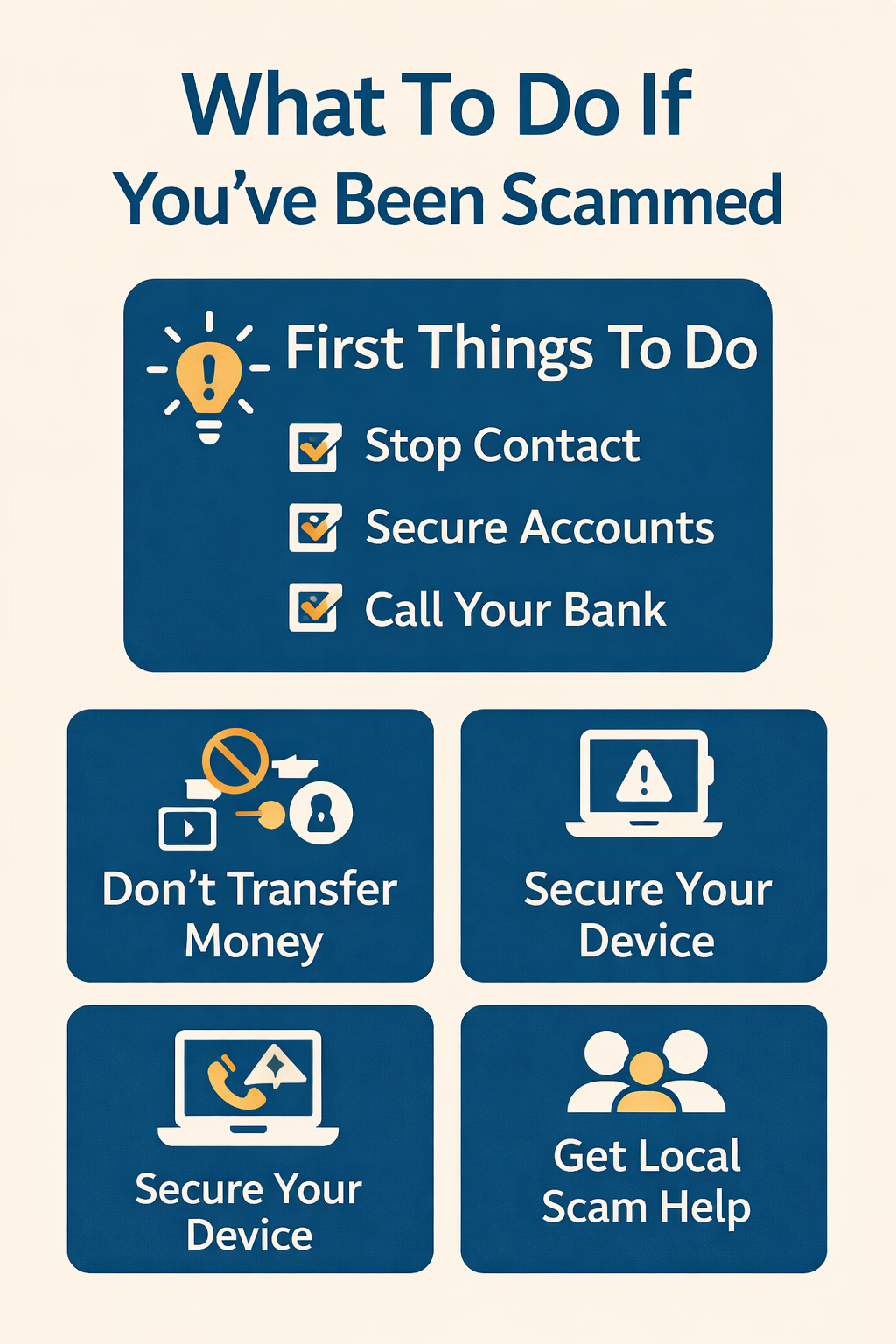
First Things To Do Right Now
1) Stop Contact
Hang up, stop replying to texts/emails, and do not send more money or information.
2) Secure Your Accounts
Change passwords for email, banking, and any accounts involved. Turn on two-step verification.
3) Contact Your Bank
Call the number on your card to report fraud, freeze cards, and review recent transactions.
4) Check Your Device
If you clicked a link, installed software, or gave remote access, your device may need cleanup.
5) Tell a Family Member
Scammers push secrecy. Bringing in a trusted person helps you make clear decisions.
6) Document What Happened
Write down dates, phone numbers, emails, websites, and what was shared. This helps with reporting.
If You Sent Money or Shared Bank Information
Wire / Zelle / Cash Deposit
Contact your bank immediately. Ask if the transfer can be stopped or recalled. Time matters—call right away.
Debit/Credit Card Payments
Dispute the charge with your bank or card issuer. Freeze the card and request a replacement if needed.
Gift Cards
If you shared gift card numbers, contact the gift card company right away. Recovery is difficult, but report it immediately.
Personal Information
If you shared SSN, DOB, or account details, consider placing a fraud alert or credit freeze with the credit bureaus.
If you’re unsure what was shared or what’s at risk, we can help review the situation calmly and secure your accounts.
If You Gave Someone Remote Access to Your Computer
Disconnect Immediately
Turn off Wi-Fi or unplug Ethernet to cut off access while you regain control.
Remove Remote Tools
We check for remote access software, suspicious apps, browser extensions, and unsafe settings.
Change Passwords Safely
Start with your email account first (it controls password resets), then update banking and key accounts.
Scan & Clean
We run a safety review, remove threats, and confirm your browser and security settings are correct.
Prevent Repeat Attacks
We help lock down pop-ups, notifications, and common scam entry points to reduce repeat attempts.
How South Metro Tech Support Can Help
Device Safety Check
Browser cleanup, scam pop-up removal, malware checks, and safer settings for everyday use.
Account Lockdown
Password reset guidance, 2-step verification setup, and recovery options for locked accounts.
Clear Next-Step Checklist
We summarize what happened and give you a simple plan tailored to your situation.
Senior-Friendly Support
Calm, patient help in plain language for seniors and families across the South Metro.
Pricing for Scam Help & Device Security
Most scam-related support visits take 45–90 minutes depending on what occurred. We focus on securing accounts, cleaning up devices, and preventing repeat issues. No pushy upsells—just clear help and practical protections.
Disclaimer: South Metro Tech Support provides technical support and device/account security assistance. We do not provide legal advice or financial recovery services and cannot guarantee recovery of lost funds. If you believe a crime occurred, contact your bank and local authorities.